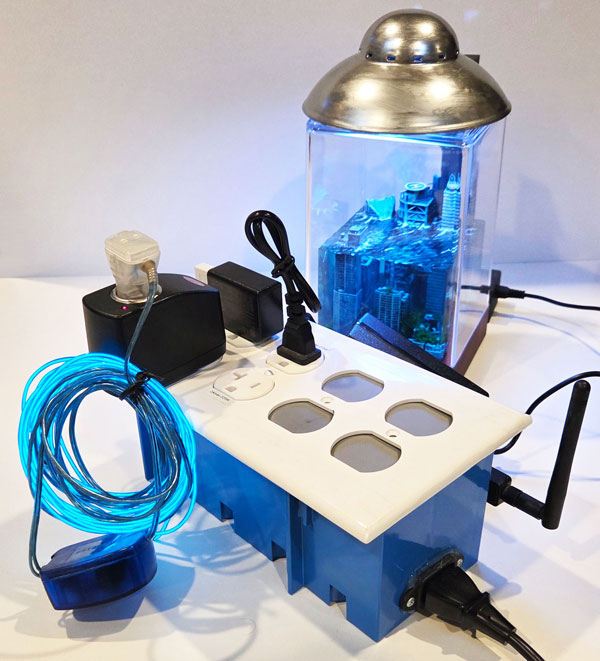
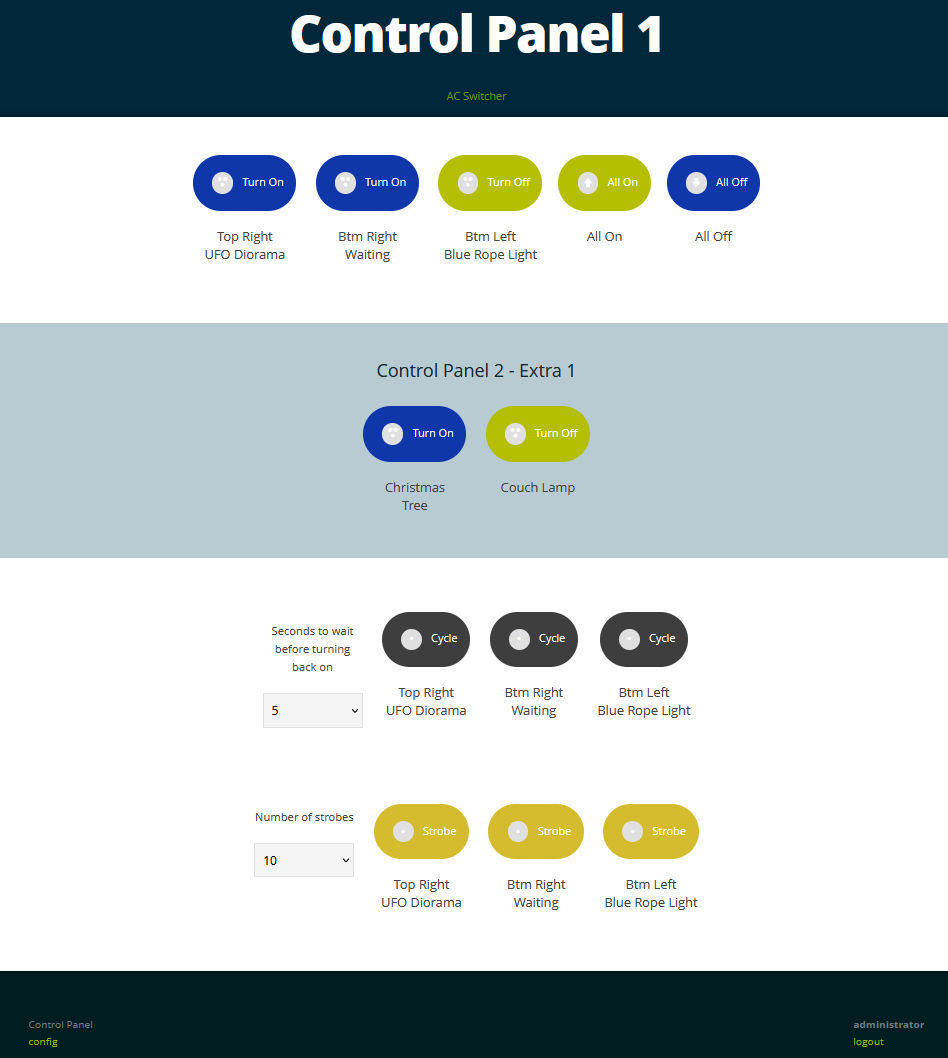
After developing a few Raspberry Pi webservers I decided to create one that would allow control of AC outlets in the house via local WiFi. It runs headless Rasbian with only configuration files and no database requirements. The build was done using a Raspberry Pi, solid state relays (current limited compared to electromechanical), and an AC Wall Outlet Box with room for outlets and wiring. I decided to use solid state relays to control the low power devices/lights and if necessary, electromechanical relays would be required to control higher wattage computers or appliances. In the end I created a few versions of these boxes but stuck to a similar format with the Pi secured to the side and outlets labeled for max wattages. After deploying three panels, the ability to manage two other control panels from each was added, allowing three panels (10+ outlets) to be controlled from one web interface.
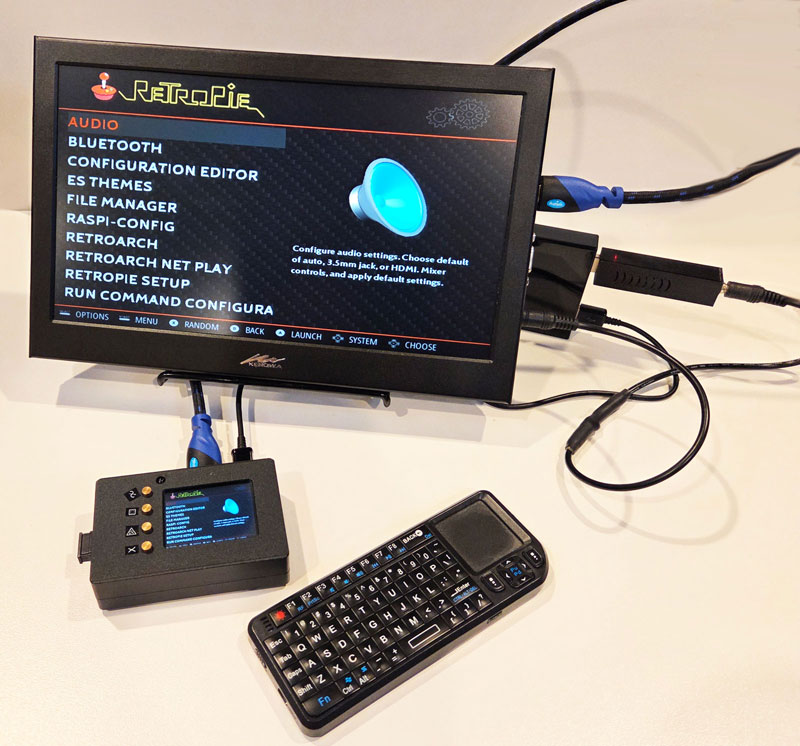
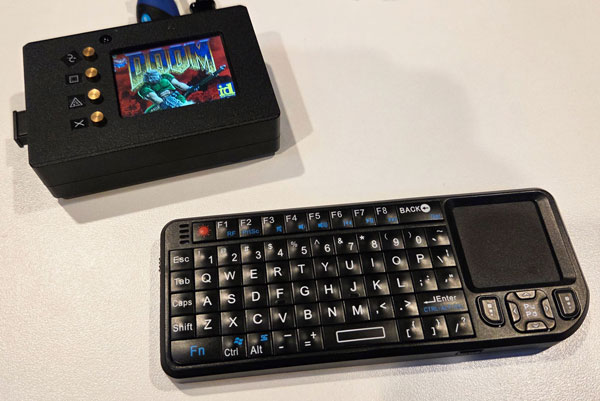
For this project I created a Raspberry Pi with an LCD hat that has buttons to change video outputs and basic controls. A Pi 3 was chosen to drive the LCD hat with the screen mirroring video output of the Pi by default and behind the scenes a python script runs the LCD hat controls. If only utilizing HDMI, the LCD on the hat can be turned off to save power using the built in buttons to switch between display modes with a custom polling script developed for the project. The case pieces came in a DIY kit although there was plenty of programming required to enable the system to do what I desired. In the final display version, I chose a mini RetroPie gaming platform and found it to be useful for many other tasks requiring a capable lightweight computer with built-in LCD & USB/Ethernet ports.
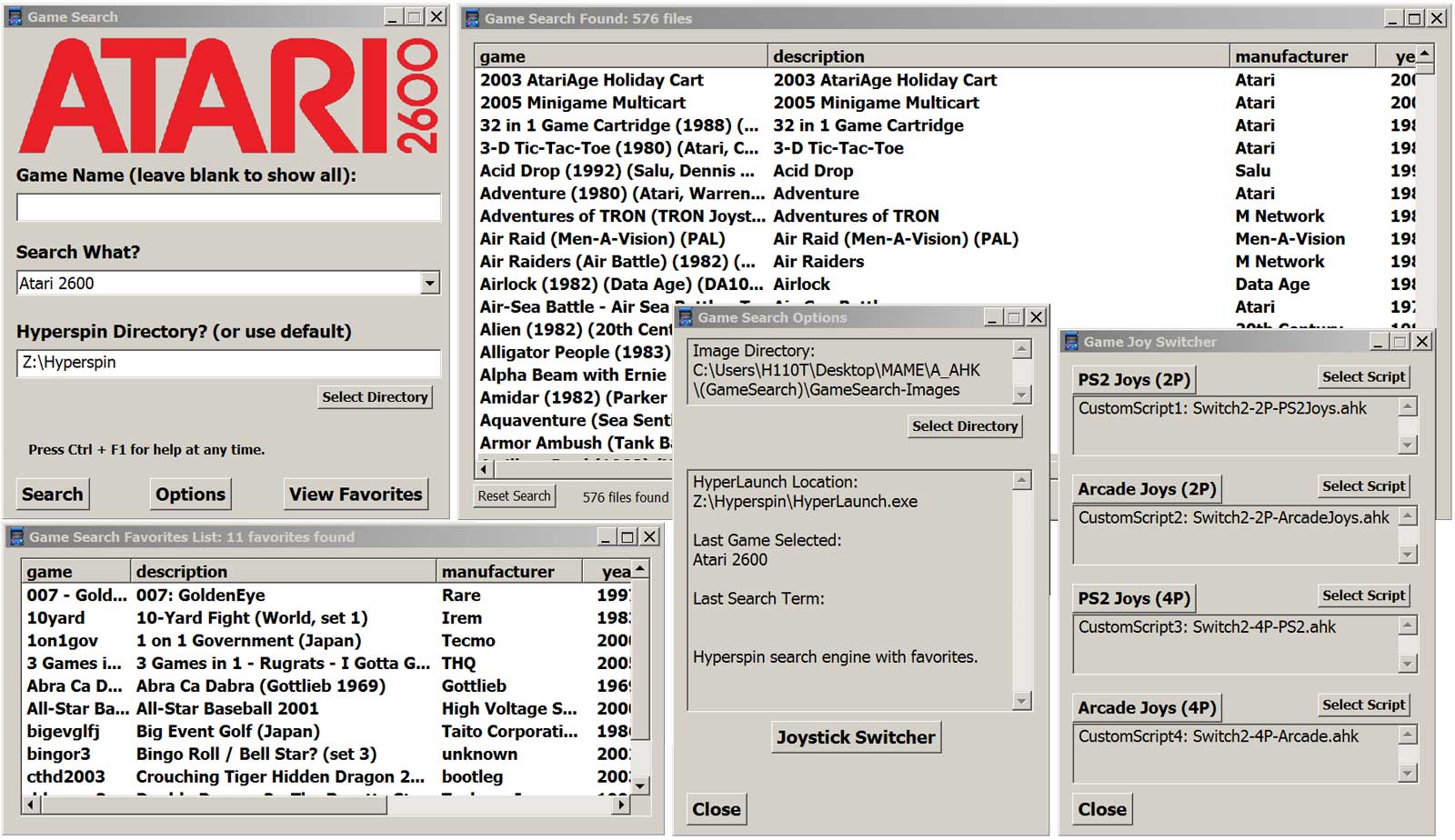
A problem arose when a friend was experiencing some difficulties searching for his games and was unable to recognize different copies of the same game title. I previously had done some basic automation with AutoHotkey that might be applicable for revealing further details to expose needed data related to the files. After some investigation I developed a full solution with an XML searching program to find and launch the appropriate games. We further improved the operation by integrating a configuration switcher for changing settings related to 2 or 4 player setups for joysticks and controllers.
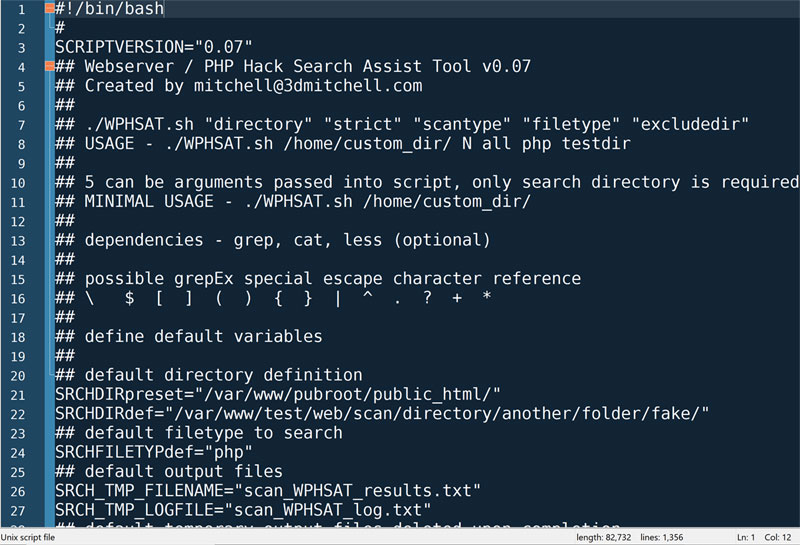
My friend and I were both on a well known shared hosting platform and had our websites defaced through a shared hosting vulnerability which affected multiple sites on the same machine. During my investigation of the sites, I found the files had similar patterns and could be reliably detected using basic scanning methodologies. With this in mind, I designed a Bash script which could scan a copy of the web server files and detect patterns and anomalies commonly seen in malicious scripts. While we were both running PHP on different server machines, the script may be useful in different environments and even non-malicious detections are good reminders of specific code patterns.
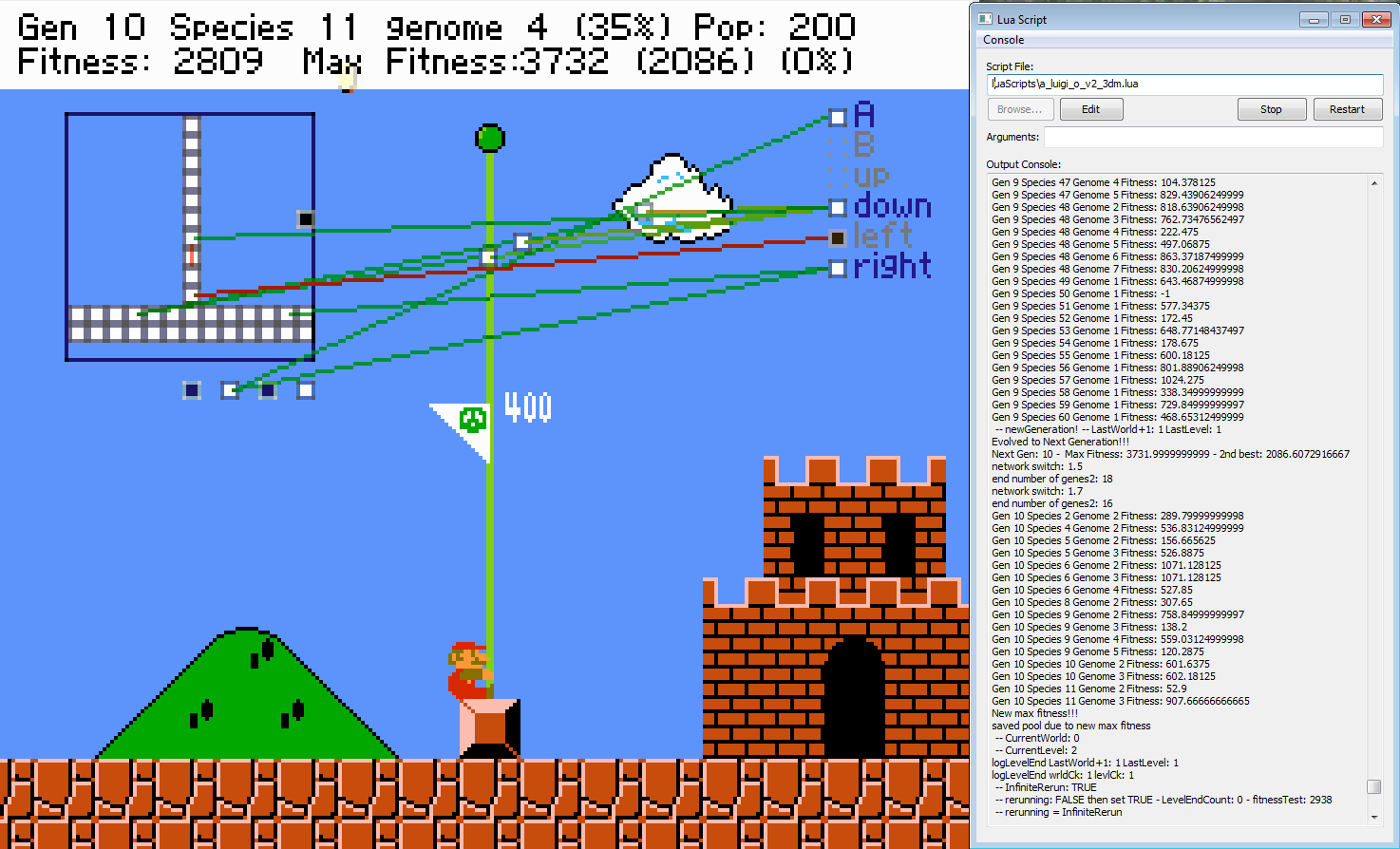
Coding along with a live project based on
MarI/O I became adept at Lua scripting and the basics of AI code regarding evolution, generations, species, genomes, neural networks, and other intricacies. This allowed me to gain knowledge of AI coding applications and
LuigI/O featured a self-learning AI to beat the original Super Mario Bros while tracking progress. Using
LuigI/O, I heavily modified their V2 release adding features specific to my own learning progression. In their final release (V3), I was impressed to see that they had recognized and revised some of the items I had resolved.
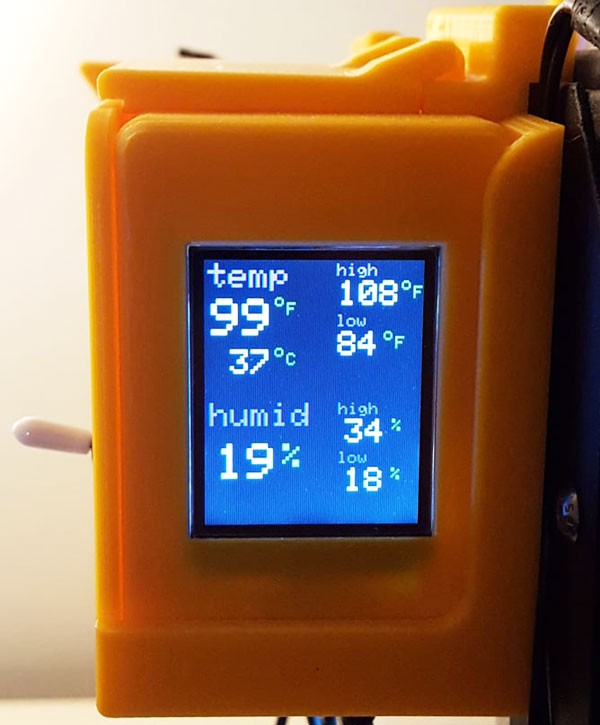
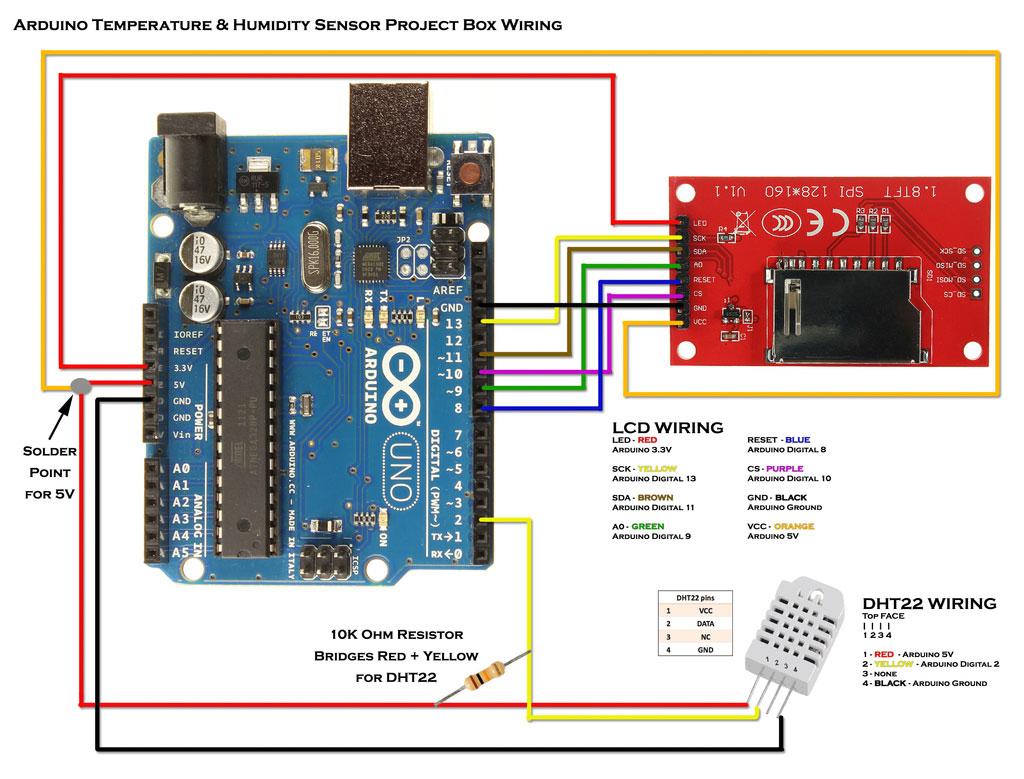
When 3D printing with my enclosed printer, I found it unusual that the machine didn’t have a temperature or humidity sensor built-in to measure ambient machine temperature. Establishing and maintaining temperature & humidity allows for finer control of the 3D prints. Therefore I designed a Temperature / Humidity sensor setup using multiple 3D printed cases, an Arduino UNO, ST7735S 128x160 1.8" TFT LCD, DHT22/AM2302 Digital Temperature Humidity Sensor, and other various minor components. The sensor is hung on the side of the printer, has a built-in on/off switch, and the display keeps records of the high/low temperature & humidity. All code was written in Arduino programming language and I coded everything from scratch for my desired functionality beyond including basic libraries. Beyond its use for 3D printing, the Temperature / Humidity sensor has applications wherever it can be safely routed.
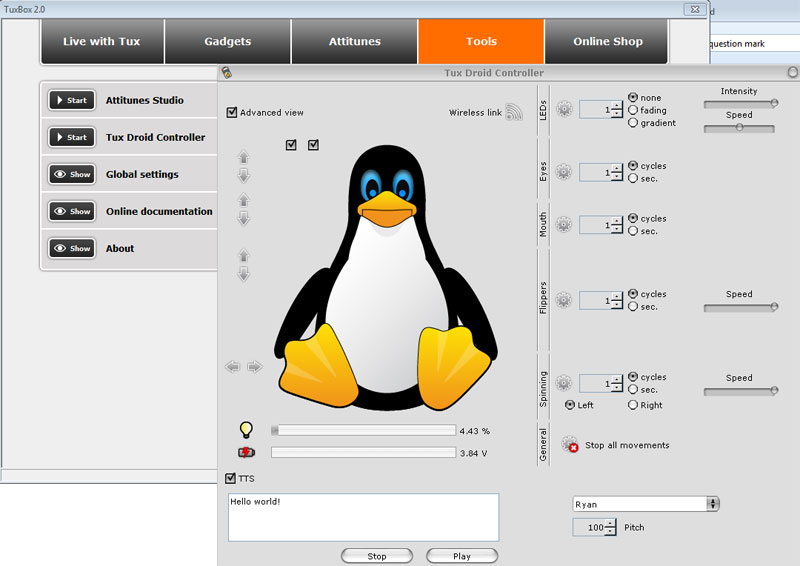
I’ve always admired the old
Tux Droid and found one in great shape on eBay. Initially I wanted to do minor modifications to the code while having it function with mostly original software but found the response servers were shutdown and only limited functionality still worked. This took me down a Python reverse engineering rabbit hole as documentation was very lean or lacking altogether at the time of research. I successfully implemented functionality that was broken out of the box and desired to do more, but the platform was limited.
During a search of the classifieds I found a rare Danger Den Double Wide case with older components installed. After purchasing the case and cleaning everything, I rebuilt the setup with new components and a custom loop using green watercooling fluid. Most of the loop components are EK, the pumps/fans are controlled with an Aquacomputer Aquaero 5 PRO, and a basic fan controller takes care of the rest of the fans. The GPU was relocated off the motherboard with a custom designed 3D printed bracket and PCI-E extension cable.
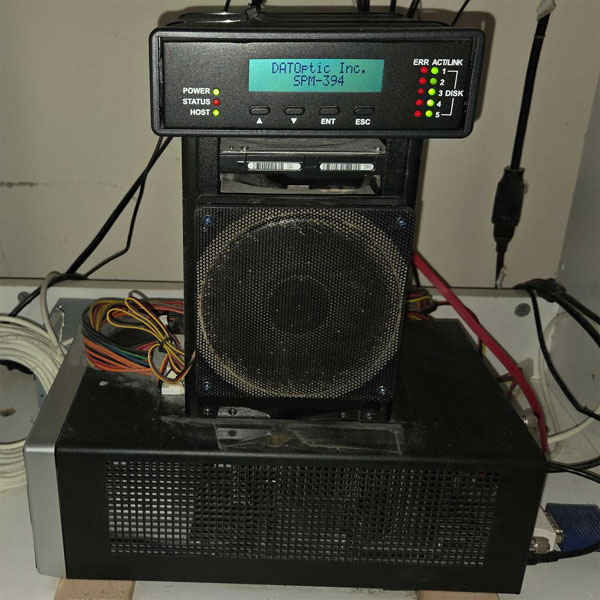
This headless Linux server was built using some older PC components and five 4TB hard drives configured with a Hardware RAID Controller. The setup includes RAID 5 with 16TB of total usable storage, Samba for local network file access, and Seafile for cloud services.
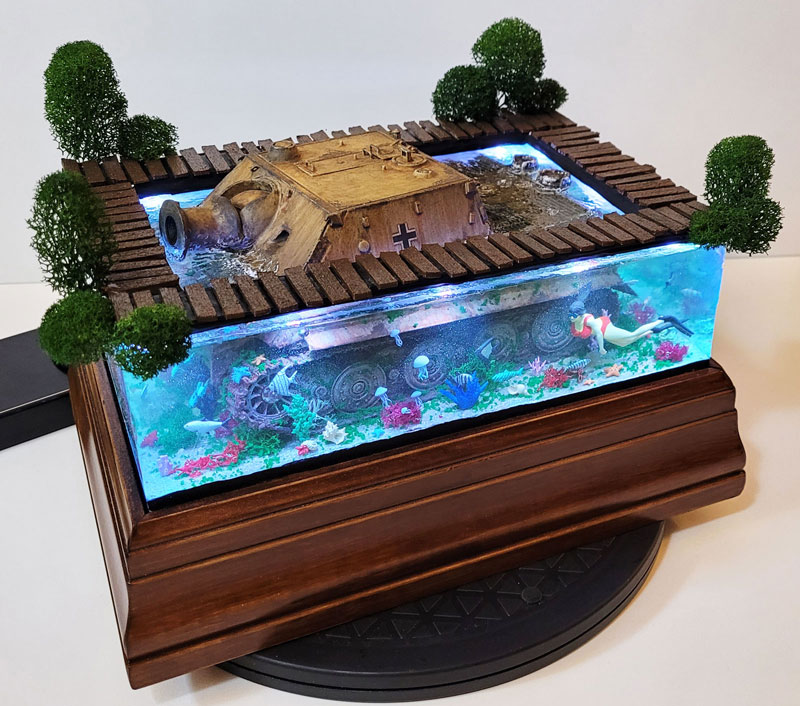
Underwater Diorama Bridge Scene
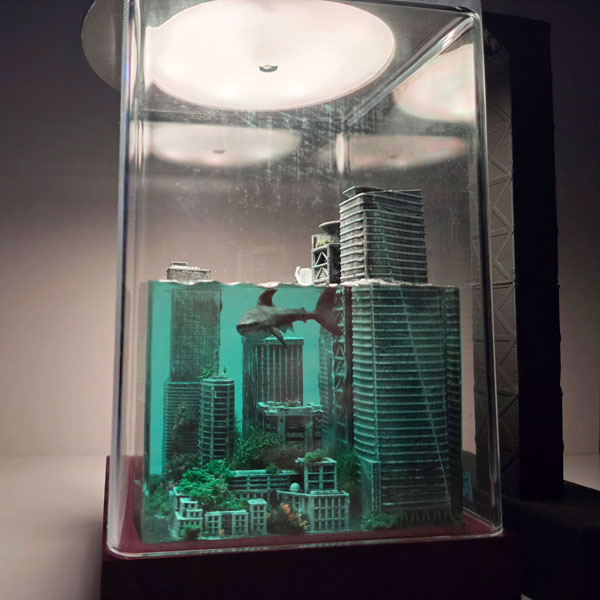
UFO Diorama Light
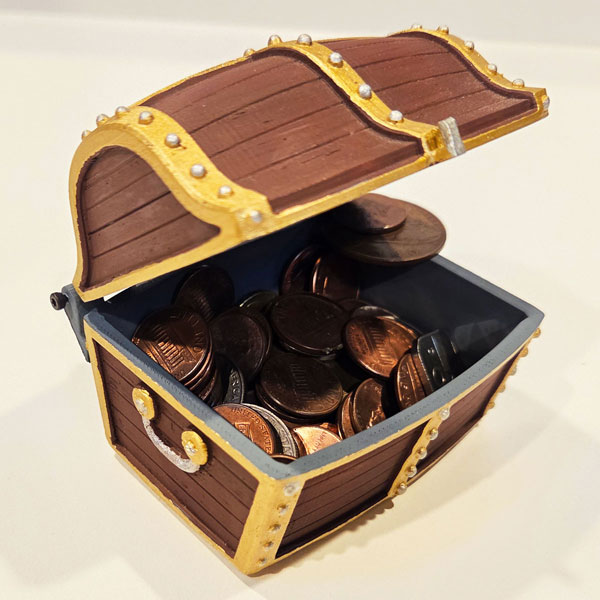
Treasure Chests
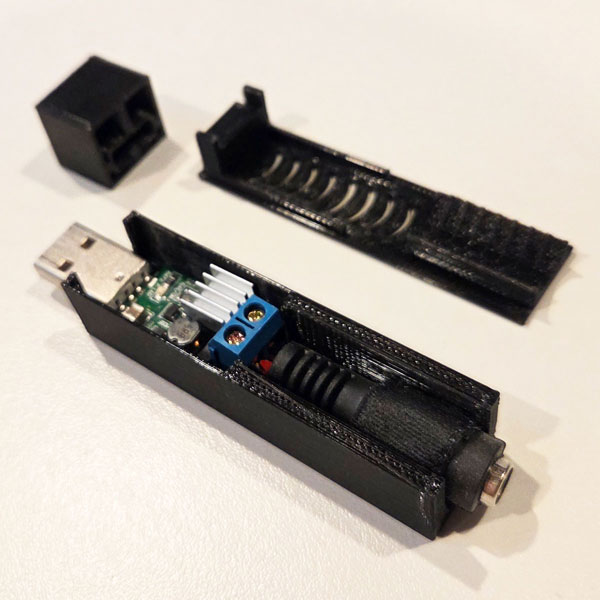
USB 5-12V Converter Box
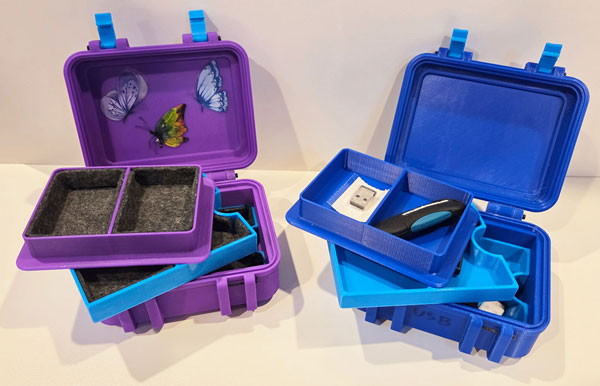
USB Device / Jewelry Storage Box
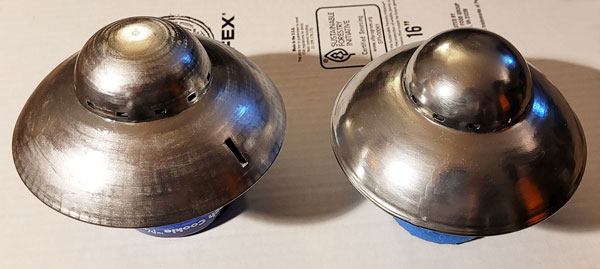
UFO Diorama Light
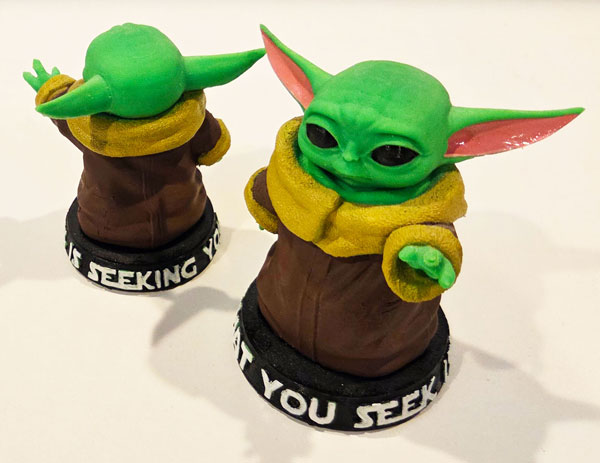
Baby Yoda (Grogu)
The Gym Clock was created in HTML & Javascript to time sets of exercises and the tool evolved to have the ability to record laps, count up/down, show real time, change colors and more! It can be used to time anything you can think of, or simply as a basic digital clock.
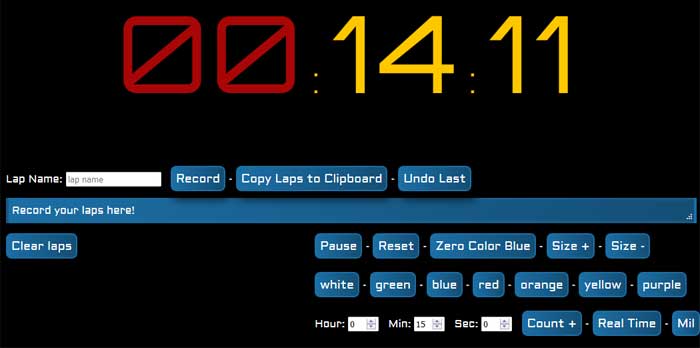
If you prefer to use the clock standalone, please try the online version without the site frames or download the source code here.
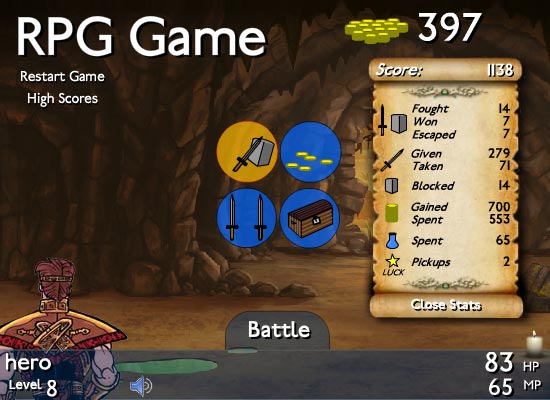
The
RPG Game is an action / adventure turn based battle game where the objective is to level up and defeat the final boss. You have the ability to purchase HP, MP, and levels at the shop and after the game is beat you can customize the settings using the RPG Builder. Use magic spells to defeat your opponents and submit your high score!
Play through and customize the game with the RPG Builder!