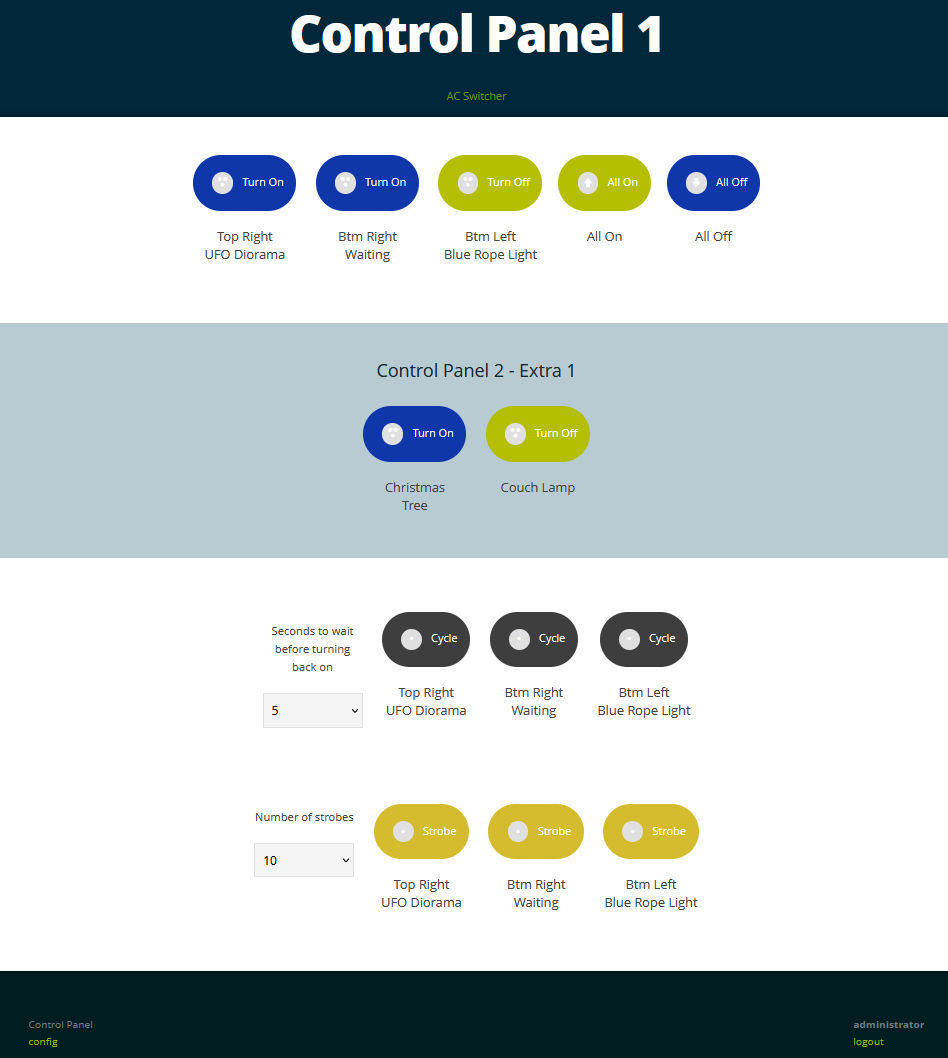
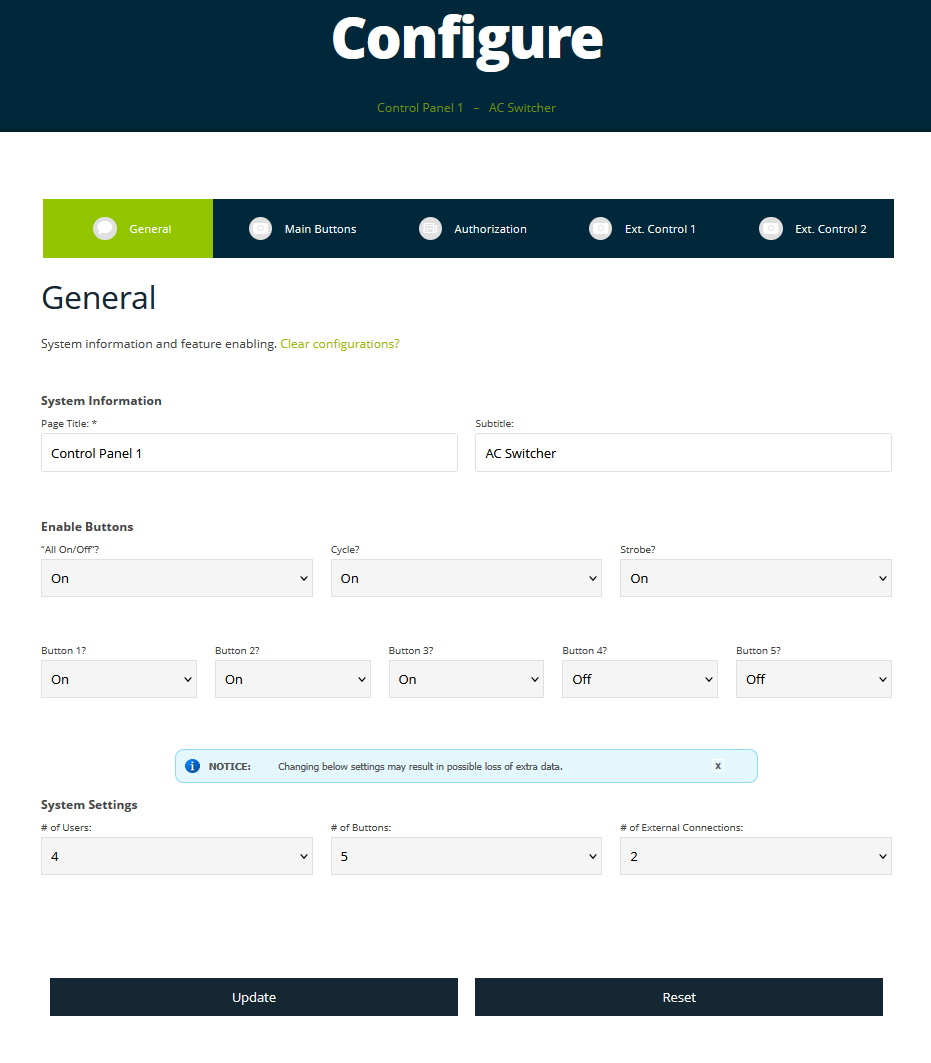
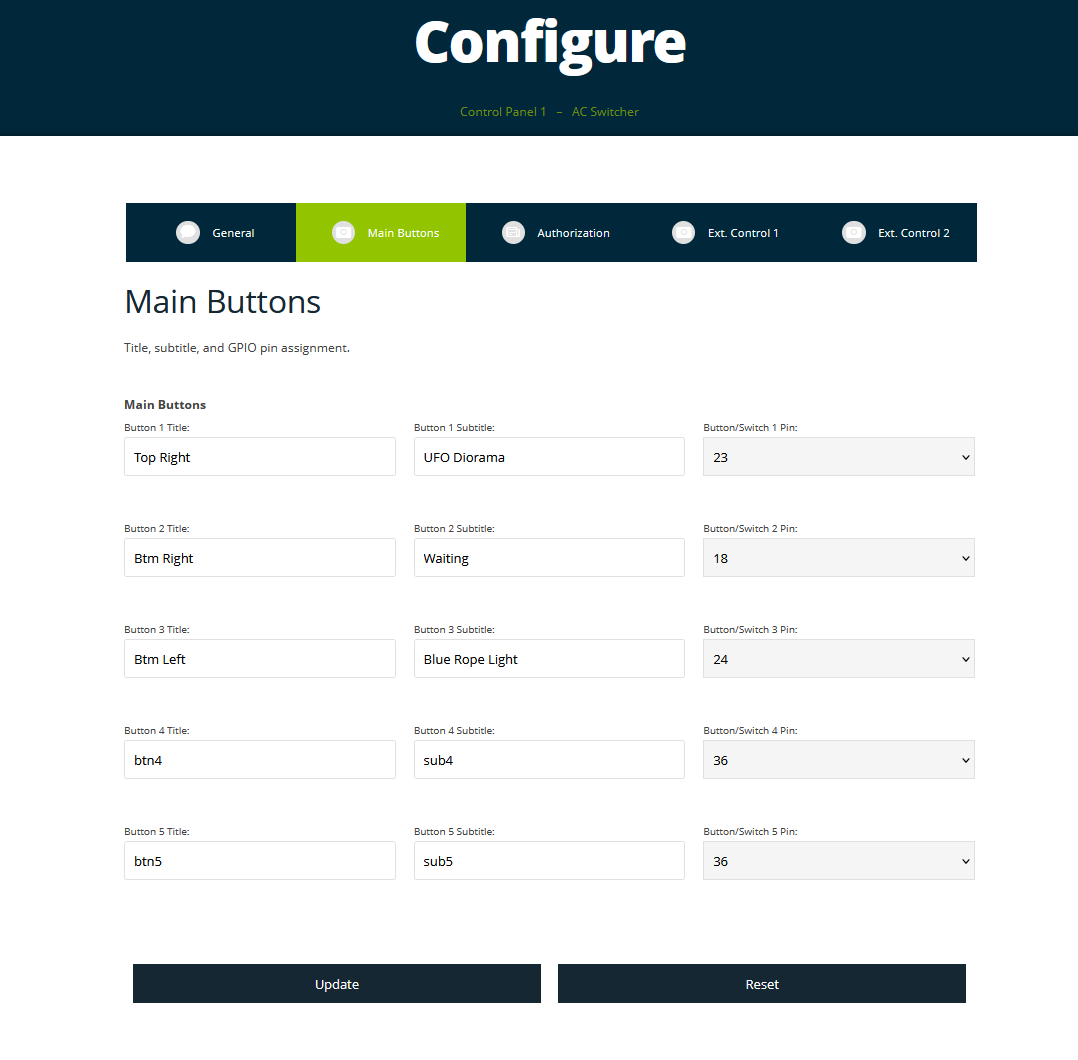
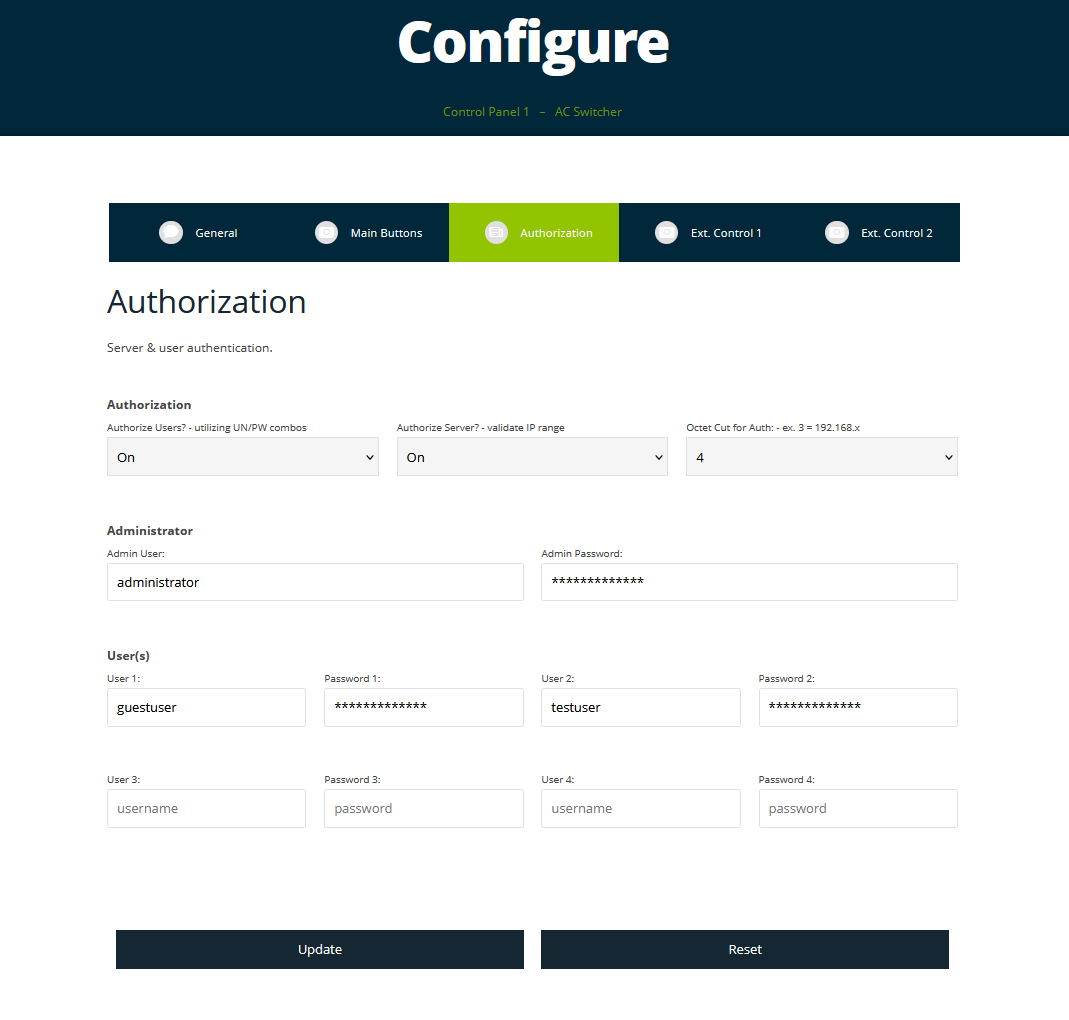
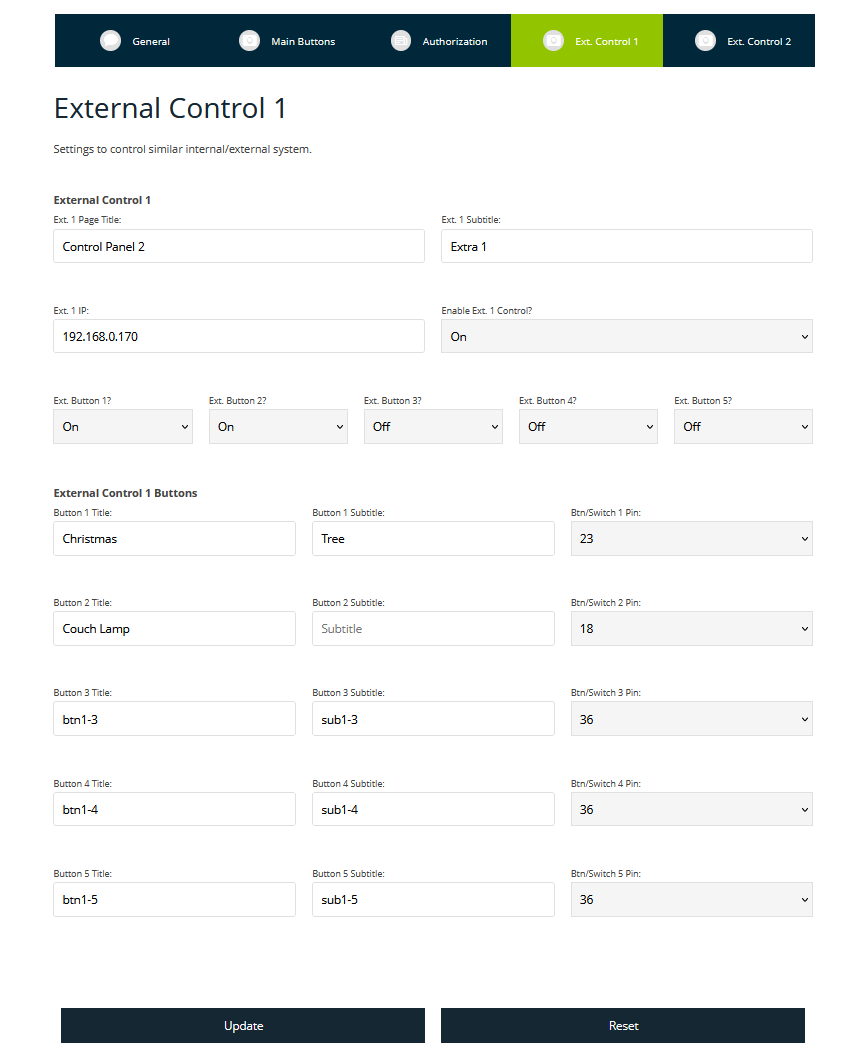
After developing a few Raspberry Pi webservers I decided to create one that would allow control of AC outlets in the house via local WiFi. It runs headless Rasbian with only configuration files and no database requirements. The build was done using a Raspberry Pi, solid state relays (current limited compared to electromechanical), and an AC Wall Outlet Box with room for outlets and wiring. I decided to use solid state relays to control the low power devices/lights and if necessary, electromechanical relays would be required to control higher wattage computers or appliances. In the end I created a few versions of these boxes but stuck to a similar format with the Pi secured to the side and outlets labeled for max wattages. After deploying three panels, the ability to manage two other control panels from each was added, allowing three panels (10+ outlets) to be controlled from one web interface.
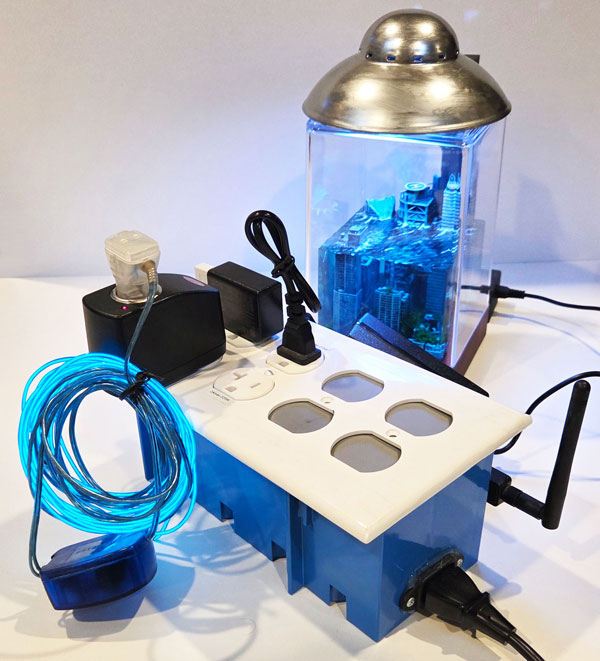
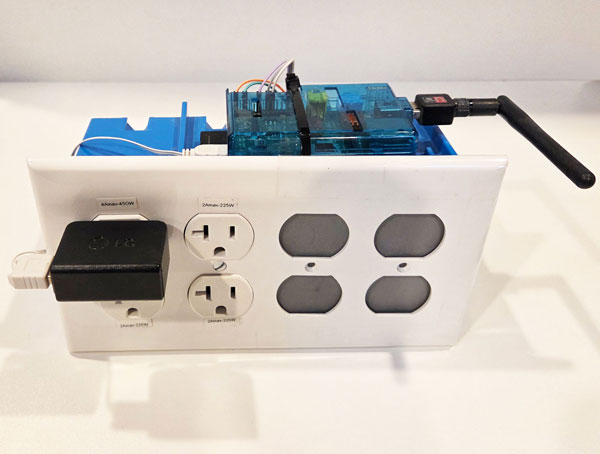
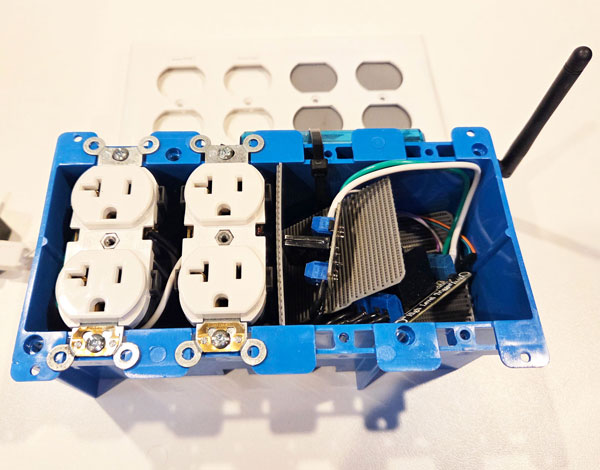
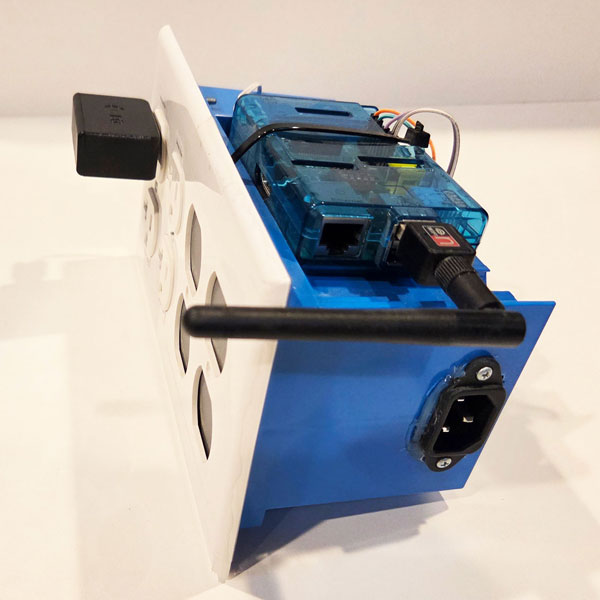
To be clear, there are no surge or fuse capabilities built in but all wires inside can support the maximum amperage for the input line and the only items lacking in wattage capability are the relays.
For this project I created a Raspberry Pi with an LCD hat that has buttons to change video outputs and basic controls. A Pi 3 was chosen to drive the LCD hat with the screen mirroring video output of the Pi by default and behind the scenes a python script runs the LCD hat controls. If only utilizing HDMI, the LCD on the hat can be turned off to save power using the built in buttons to switch between display modes with a custom polling script developed for the project. The case pieces came in a DIY kit although there was plenty of programming required to enable the system to do what I desired.
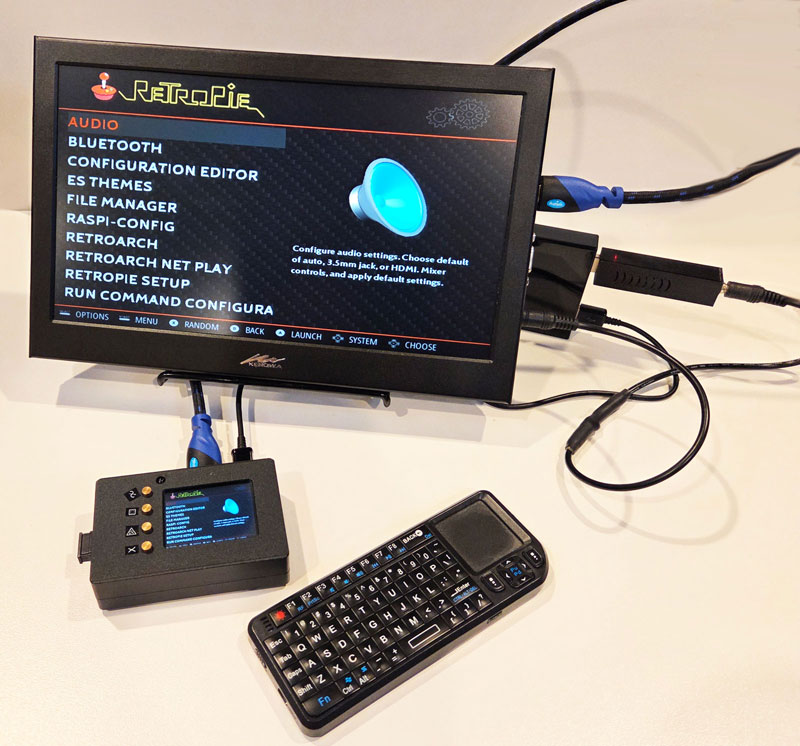
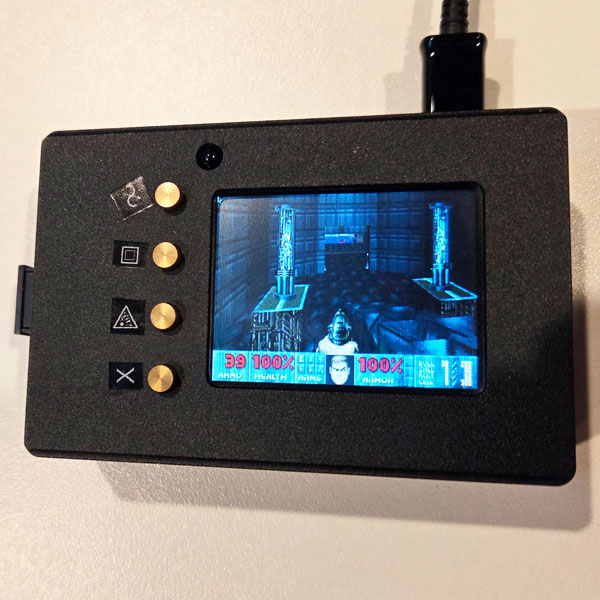
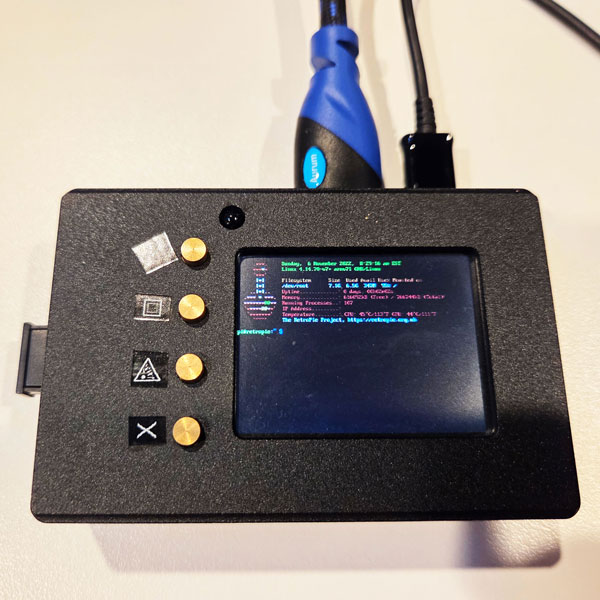
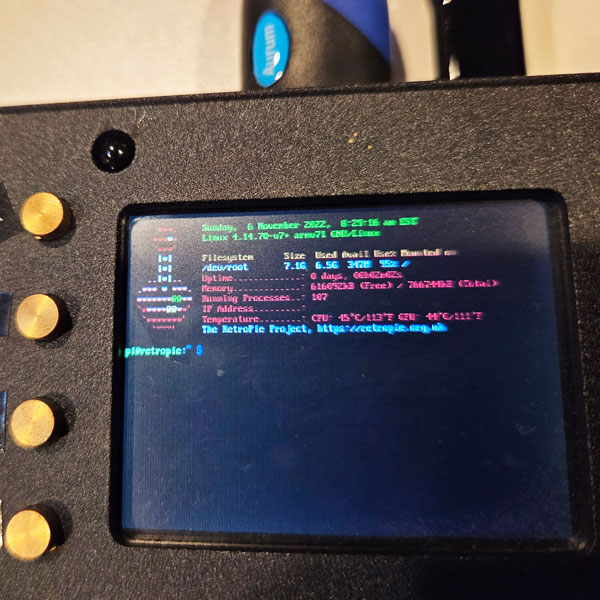
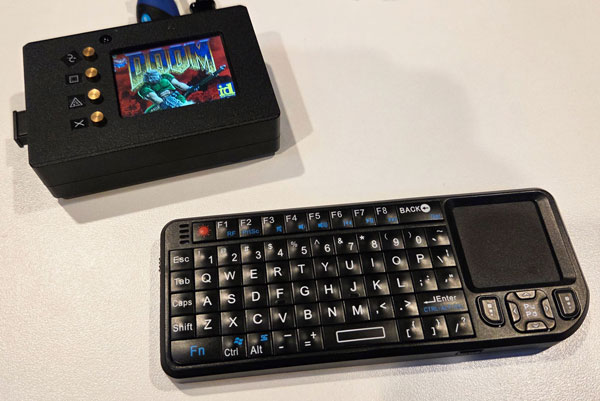
In the final display version, I chose a mini RetroPie gaming platform but found it to be useful for many other tasks requiring a capable lightweight computer with built-in LCD and USB/Ethernet ports.
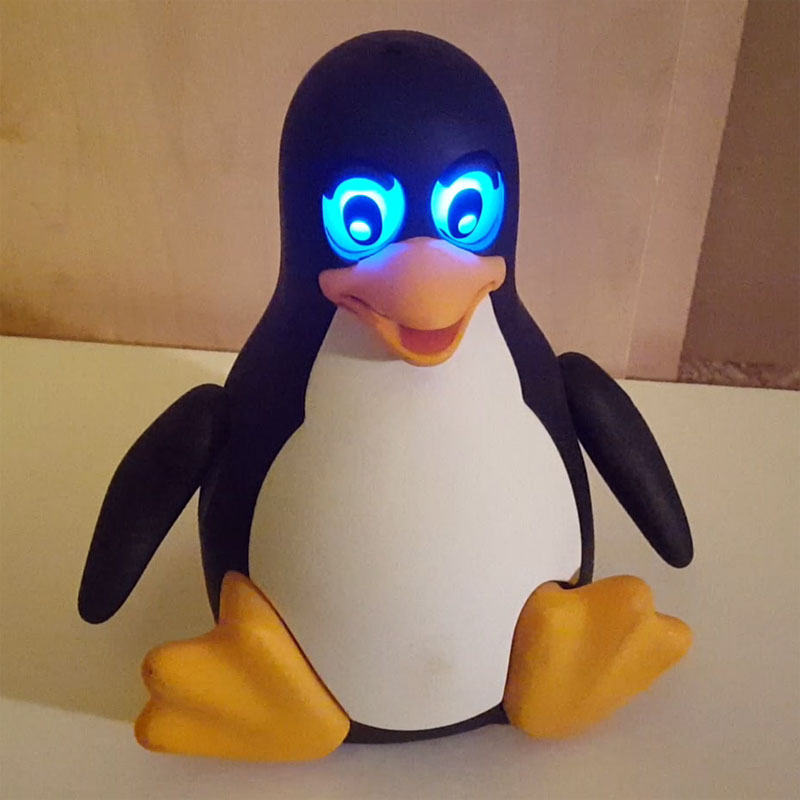
I’ve always admired the old
Tux Droid and found one in great shape on eBay. Initially I wanted to do minor modifications to the code while having it function with mostly original software but found the response servers were shutdown and only limited functionality still worked. This took me down a Python reverse engineering rabbit hole as documentation was very lean or lacking altogether at the time of research. I successfully implemented functionality that was broken out of the box and desired to do more, but the platform was limited.
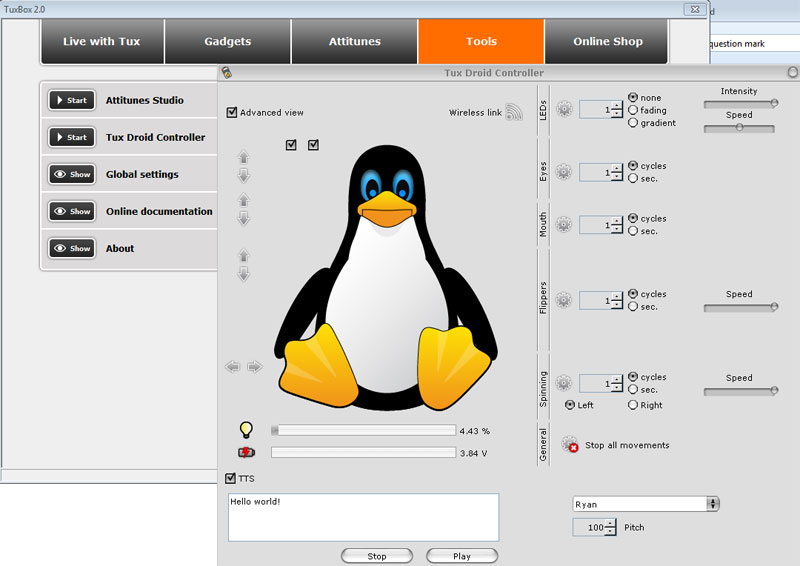
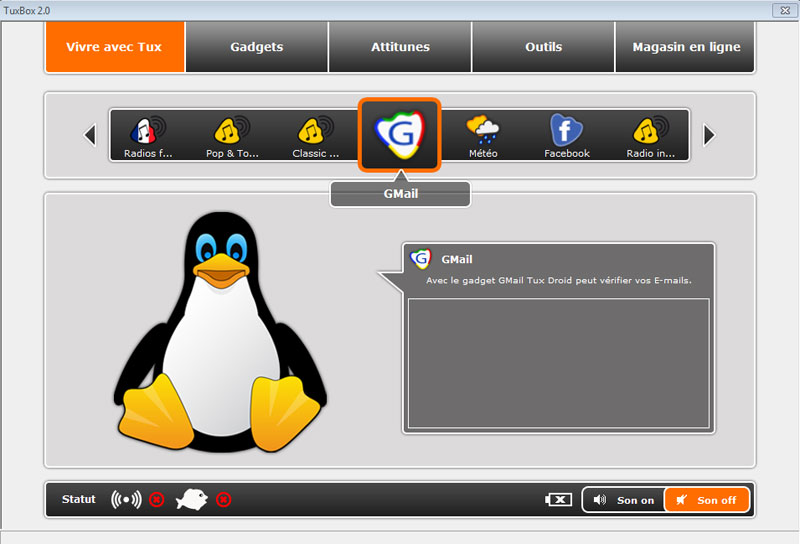
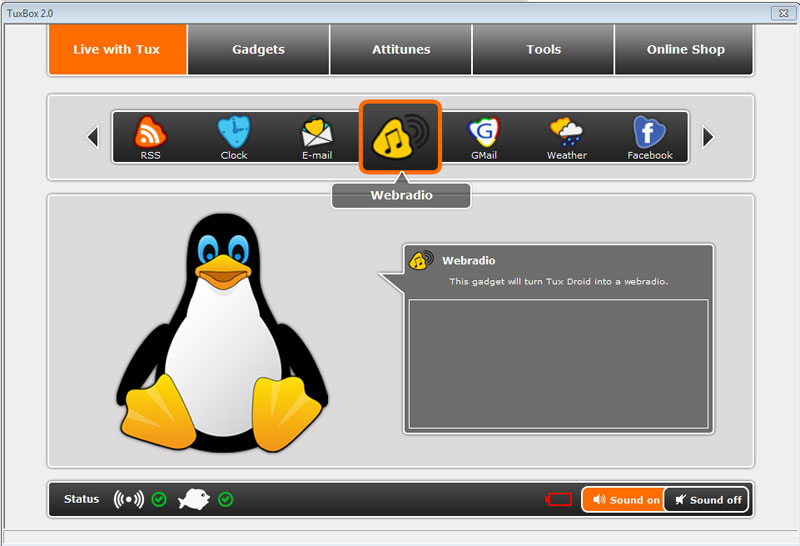
One of the installations tested was in French
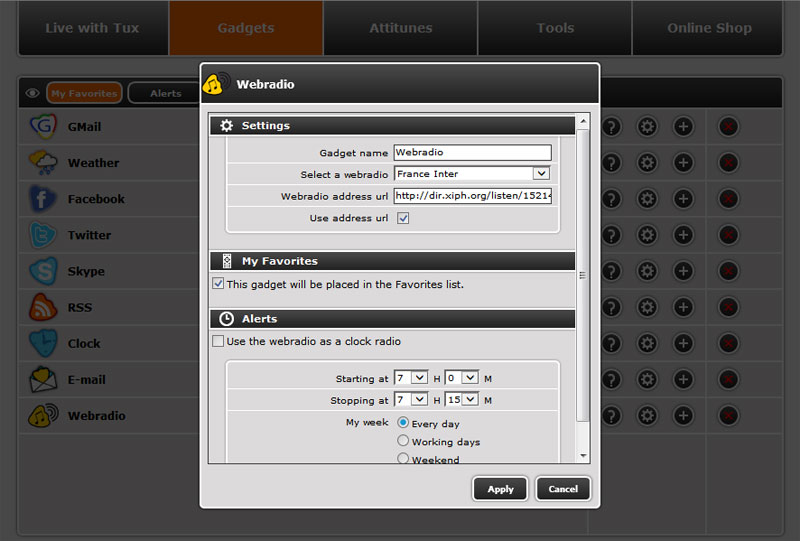
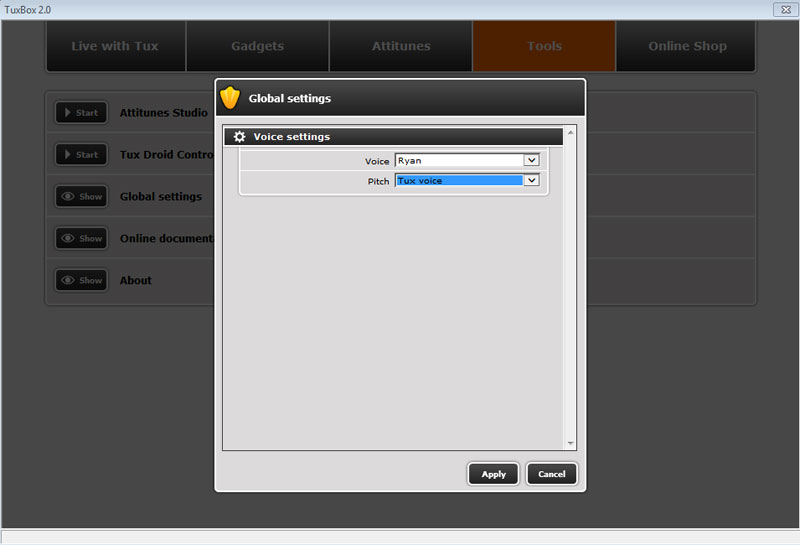
Working Web Radio & Settings pages
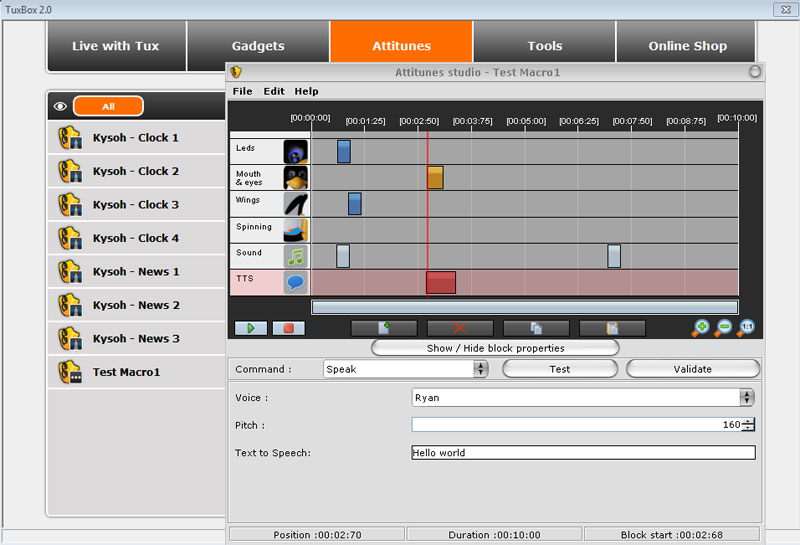
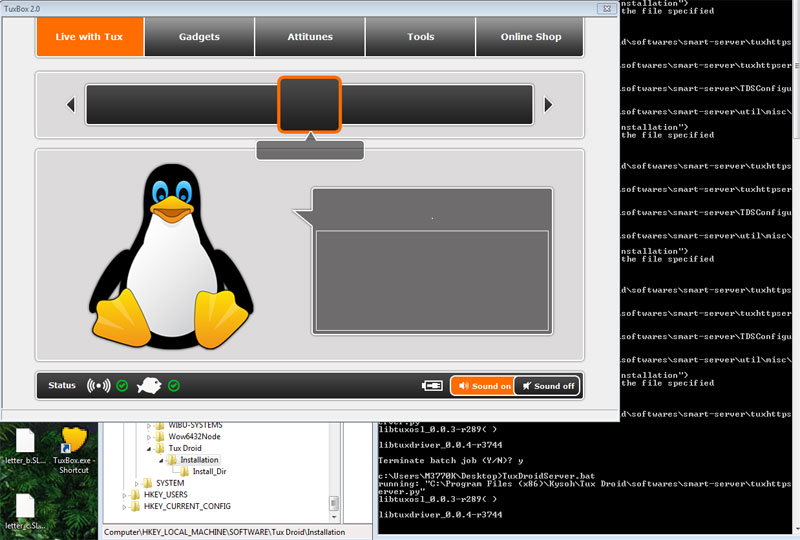
Attitunes were a neat way to control Tux during certain actions. If I came back to this project and was unable to find something more complete, I would aim to reverse engineer more of the network requests to re-route to a local server setup specifically for the Tux Droid.
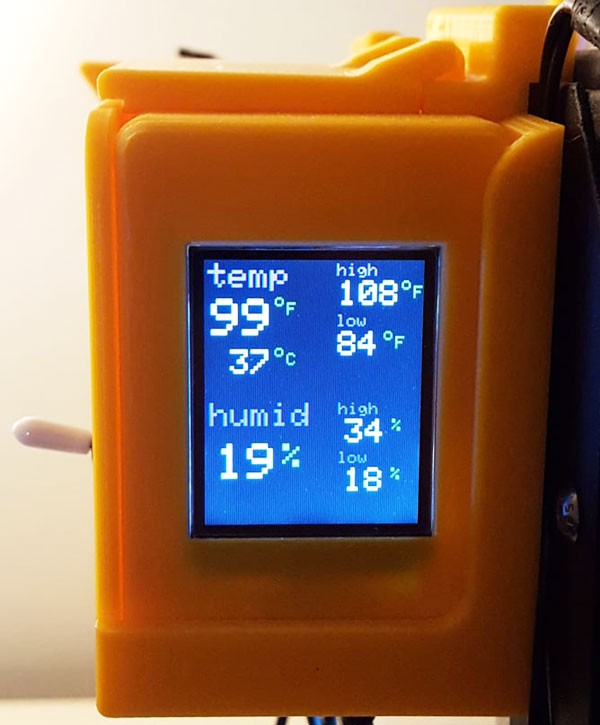
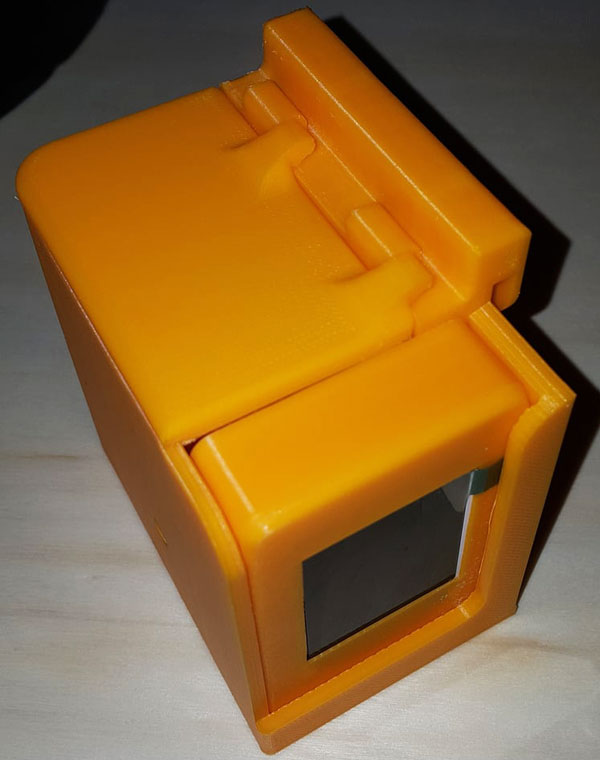
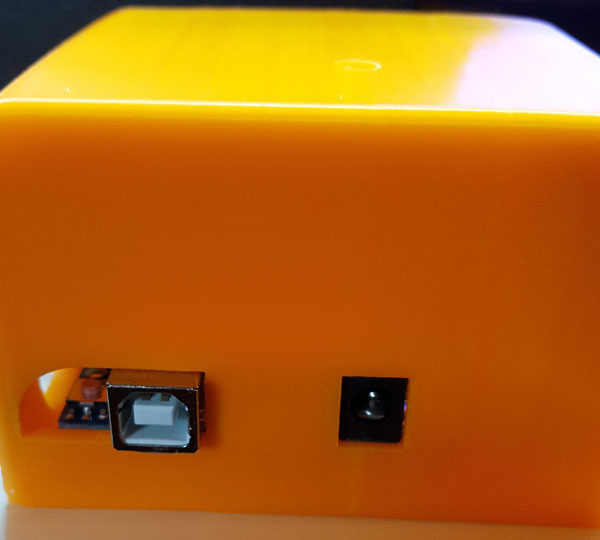
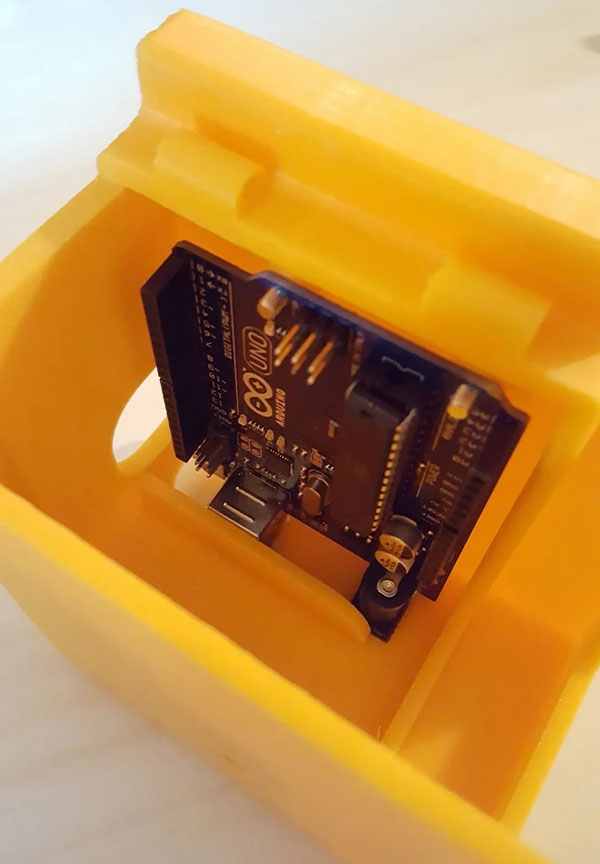
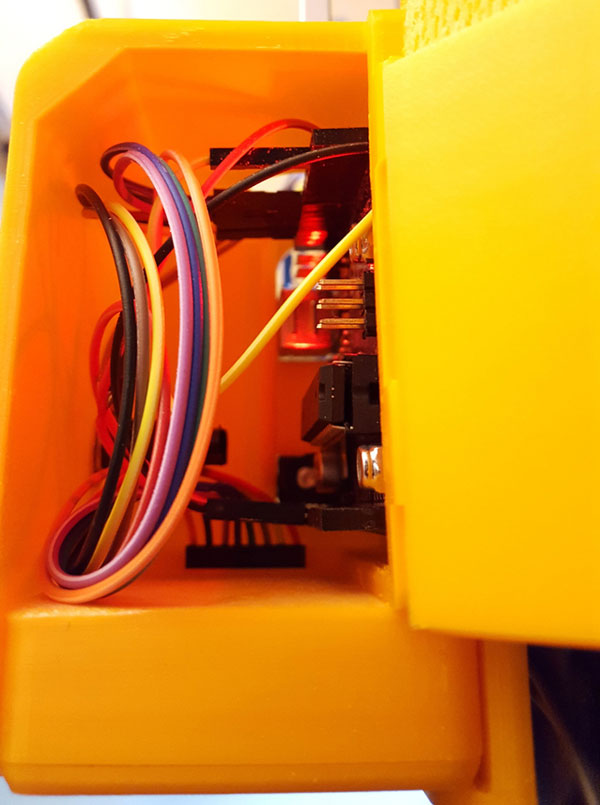
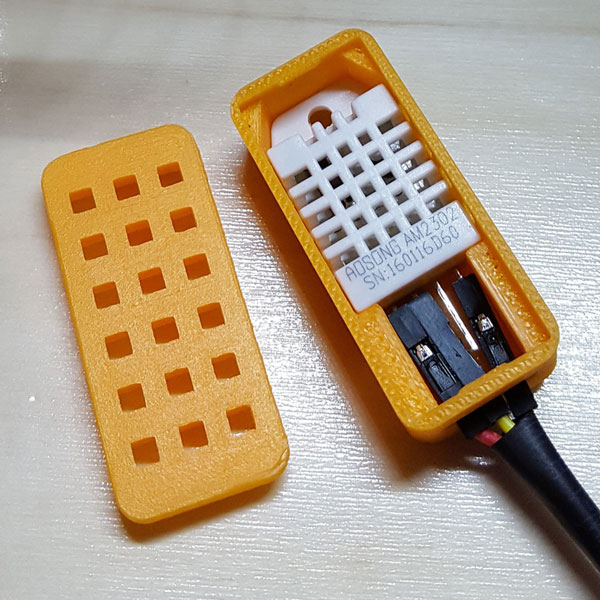
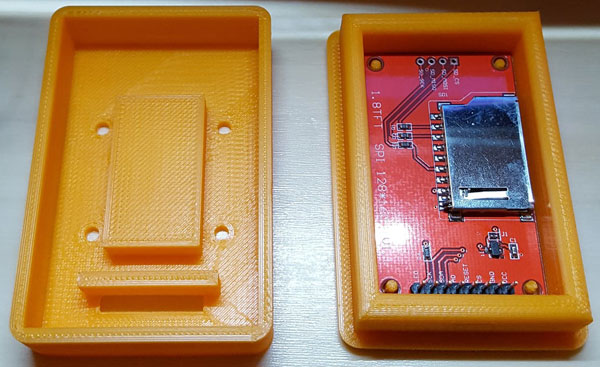
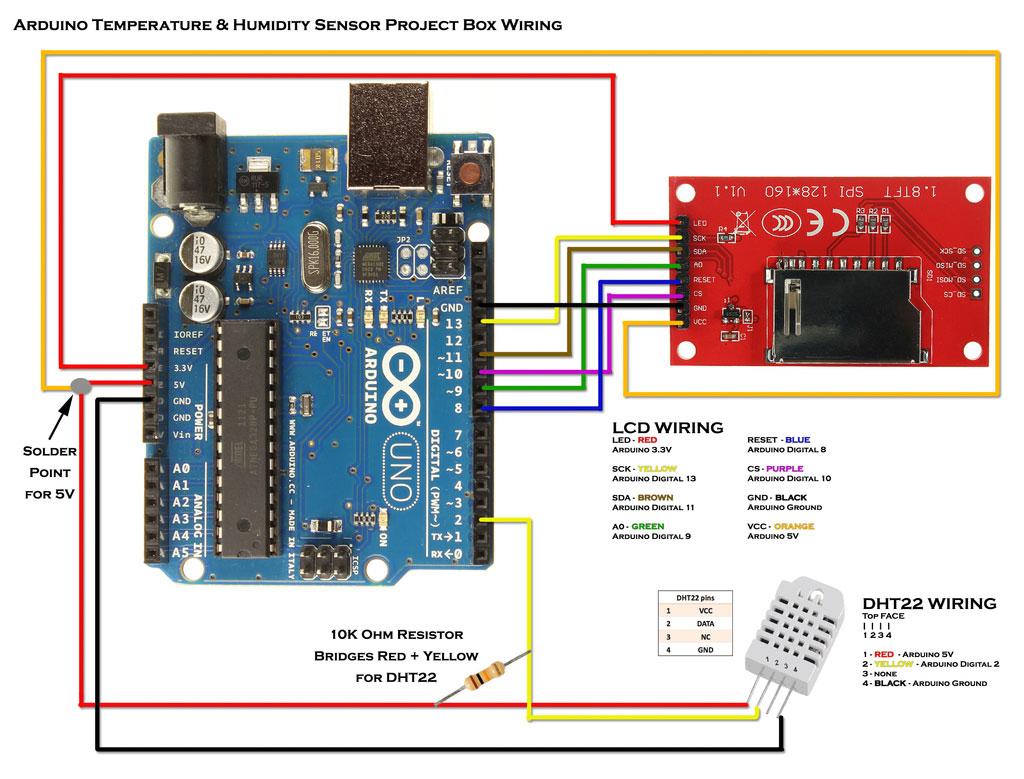
When 3D printing with my enclosed printer, I found it unusual that the machine didn’t have a temperature or humidity sensor built-in to measure ambient machine temperature. Establishing and maintaining temperature & humidity allows for finer control of the 3D prints. Therefore I designed a Temperature / Humidity sensor setup using multiple 3D printed cases, an Arduino UNO, ST7735S 128x160 1.8" TFT LCD, DHT22/AM2302 Digital Temperature Humidity Sensor, and other various minor components. The sensor is hung on the side of the printer, has a built-in on/off switch, and the display keeps records of the high/low temperature & humidity. All code was written in Arduino programming language and I coded everything from scratch for my desired functionality beyond including basic libraries. Beyond its use for 3D printing, the Temperature / Humidity sensor has applications wherever it can be safely routed.
Project Links
- Arduino Project Box with locations for LCD/switch/wiring + closable wiring lid
- DHT22/AM2302 Digital Temperature Humidity Sensor Box / Holder / Case with Lid
- LCD Project Box with Header Breakout for 1.8" TFT LCD Display module ST7735S 128x160
- Github Code
